
Blackjack Ballroom Casino Login
Access your account in minutes and start playing your favorite games instantly.
Games at Blackjack Ballroom Casino






Game Library






You can reach your Blackjack Ballroom Casino account in less than two minutes. Use your email and password. Should login fail, solutions here address wrong passwords, locked accounts, self-exclusion, and pending documents. Live chat and email support are available 24/7 in English, French, German, Spanish, and Italian.
How to Log In: Step-by-Step
To log into Blackjack Ballroom Casino, use the email address and password you set during registration. Signup required only your name, email, and a password, so no documents block your entry to the lobby.
Launch the Blackjack Ballroom Casino website in your browser on a mobile or desktop.
Select Login and type in the email address you registered.
Type your password.
Finish the email confirmation step if the website prompts you.
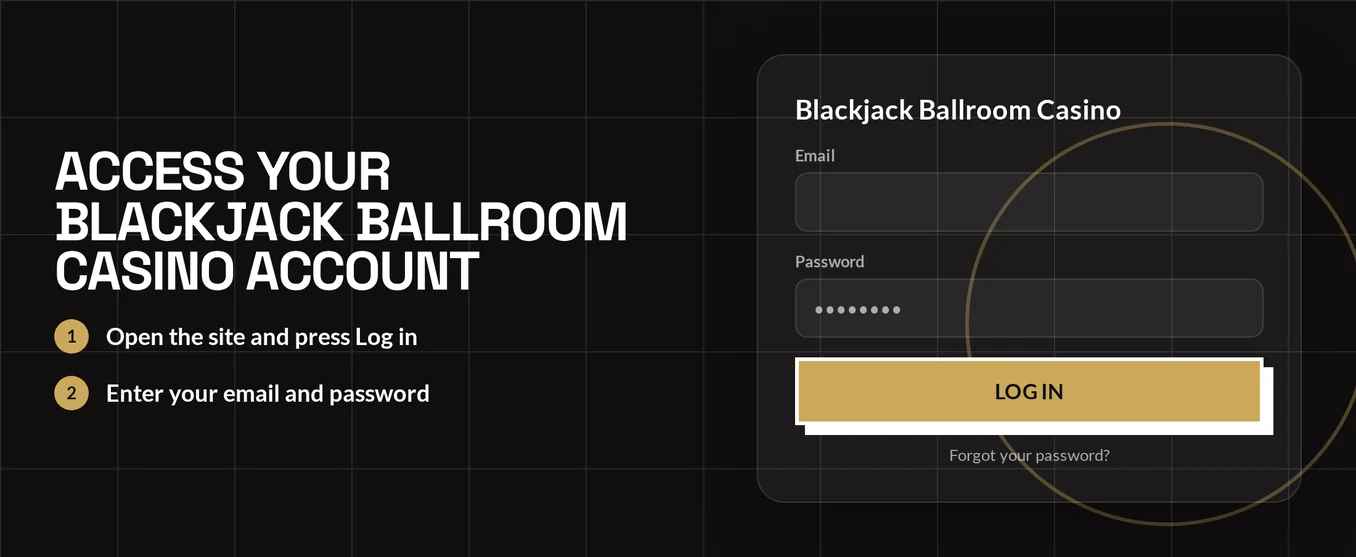
Blackjack Ballroom Casino does not use two-factor authentication by default. You log in with your password and email confirmation, not an app or SMS code. Keep your registered email inbox accessible.
Login Problems and Fixes
A typo, an unconfirmed email, or old browser data cause most login failures. Match your issue to the table and use the solution.
| Problem | Likely Cause | Quick Fix |
|---|---|---|
| Wrong password message | Typo, caps lock or an old password | Retype slowly, then use the password reset |
| Confirmation e-mail missing | Wrong inbox or spam filtering | Check spam and promotions folders, then verify the signup address |
| Account locked | Self-exclusion period or a restriction on the account | Follow the steps in the locked account section |
| Page loads but login fails | Old cookies or cached files | Clear cookies and cache (steps below) |
| Balance looks empty after login | Different account currency (CAD, USD, EUR or GBP) | Log out and sign in with the e-mail of the account you funded |
| Login works but withdrawal is held | ID and address documents not yet verified | See KYC Verification below |
Outdated cookies and cached files can reject a valid password. Clear them using these steps:
- Access your browser settings and find the privacy or history section.
- Choose cookies and cached files for the casino's website.
- Delete them and shut down the browser fully.
- Restart the browser and attempt login once more.
- If problems persist, test a private browsing window or another browser.
How to Reset Your Password
Reset a lost password yourself; no need to contact support. The reset email goes to your account's email address, so you must reach that inbox.
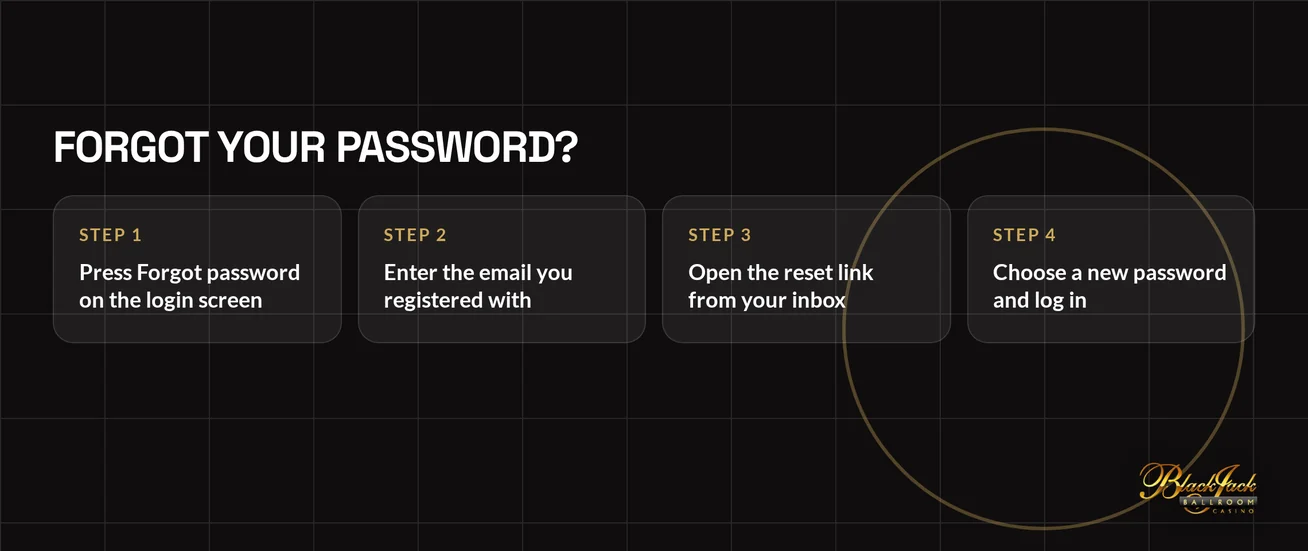
- Click Login, then pick the forgotten password option.
- Input the email address you used for registration.
- Open the email from Blackjack Ballroom Casino and click the reset link inside.
- Type a new password and confirm the change.
- Use your new password to log in.
First, check your spam folder if the email hasn't arrived. If your inbox is still empty, contact the live chat team. Tell the agent you need help recovering your account access. Simply provide the email address you used to register.
Account Locked or Suspended
A locked account has two common causes at Blackjack Ballroom Casino: a self-exclusion tool you activated, or a restriction placed on the account. Work out which one applies before contacting anyone.
- Start by trying a password reset. A forgotten password can sometimes appear as a lock.
- Clear your browser cookies and try a different browser.
- If you never used a self-exclusion tool, contact live chat from your registered email. Ask support to check your account status.
- Follow the agent's guidance. A suspended account requires support to take action.
Player-protection tools create intentional lockouts. These last for the time period you chose.
| Tool | Length |
|---|---|
| Cooling-off period | 24 hours to 6 weeks |
| Self-exclusion | 6 months |
If gambling is causing stress, Canadian players can call ConnexOntario at 1-866-531-2600. Speak with a trained advisor.
KYC Verification
Verification does not stop you from logging in. Signup only needs your name, email, and a password. You'll need ID and address documents before your first withdrawal. A pending check affects cashing out, not signing in.
Required documents:
- Identity: Provide a valid government photo ID.
- Proof of address: Provide a document with your full name and current address.
The steps from login to payout look like this:
- Use your usual login details and start playing.
- Before you ask for a withdrawal, send your ID and address documents to support.
- Support will review your documents.
- Make your withdrawal request after the review is finished.
You handle the login, the document upload and the withdrawal request; support only reviews your files. Sending documents early prevents a withdrawal request from stalling later.
Logging In on Mobile and Desktop
Blackjack Ballroom Casino runs in your browser for instant play. Your email and password work on both phone and computer. A downloadable desktop client is also available for players who prefer an installed program.
| Device | Access Method | Login |
|---|---|---|
| Mobile browser | Instant play | E-mail and password |
| Desktop browser | Instant play | E-mail and password |
| Windows desktop | Legacy downloadable client | E-mail and password |
| iOS and Android | No app | Use the mobile browser |
Face ID and fingerprint logins are unavailable, and push notifications are not used. Bookmark the site or add a shortcut to your phone's home screen. This lets you open the login page with one tap. Always log out on shared devices after you finish playing.
Contact Support
If those steps don't solve the problem, contact support anytime. Use the email linked to your account. Include the full error message in your email.
| Channel | Hours | Languages |
|---|---|---|
| Live chat | 24/7 | English, French, German, Spanish, Italian |
| 24/7 | English, French, German, Spanish, Italian |
Use live chat for login issues and password resets. An agent can help you while you're at the screen. Use email for sending documents. Email keeps a written record and lets you attach files.
FAQ
Blackjack Ballroom Casino is for players aged 19 and over. Gamble responsibly. Set spending limits that suit your budget. Use the cooling-off or self-exclusion tools if gambling is no longer enjoyable.